

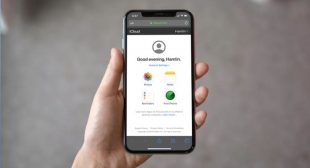
Safari is the default browser on iPhone, iPad, and Mac and bookmarks are major parts of browsers because, with bookmarks, users don’t have to insert website addresses always. It is like a record that you save in your browser. In iPad, iPhone, and Mac, Safari can save the bookmarks data in iCloud, so if somehow you lost your bookmarks history, you can still access it from iCloud. Most of the owners of mobile devices don’t know about saving bookmarks in iCloud, but it is the most secure and reliable process if bookmarks are essential for you. In bookmarks, you can save any website, and for the next time, you just have to tap on the bookmarks list to access your preferred website instantly.


)